HiFinance
5
SECTION
1.3.8U.7 - WRITE-OFF OLD GIFT & PP CARDS
USAGE: This menu leads to special programs which are
designed to help cleanup old Gift Cards and Pre-paid Cards. This program is
only relevant for sites using the Cards System.
DISCUSSION: When cards are issued, they are used and then
become redundant. This is specifically true for Gift Cards, which are single
use and not rechargeable. The information should be held for at least 24
months, for reporting and accounting, but after that, the record has no
information. Also, as the transactions are posted without being allocated, they
are never removed and so the EOY delete routine will never be able to delete
the cards.
The programs accessible here consist of 2 functions.
The first will delete cards that have a zero balance,
and no transactions after the beginning of last-year. The second is used to
zero the balances of old cards, based on certain criteria. Often the second
option is run first.
When you choose the option, the screen appears as
follows:
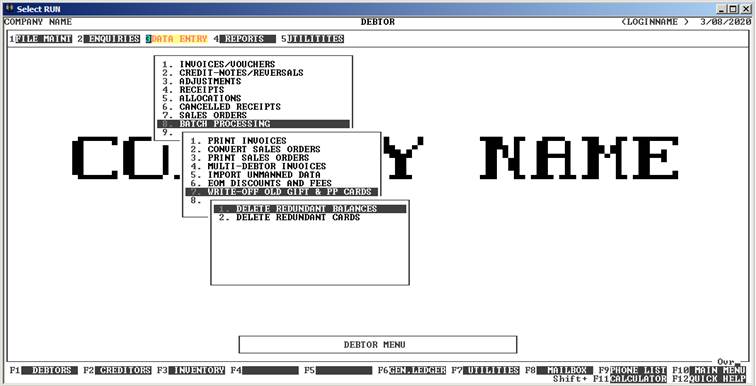
To return to the previous menu, press <ESC>.
 Return to Table of Contents